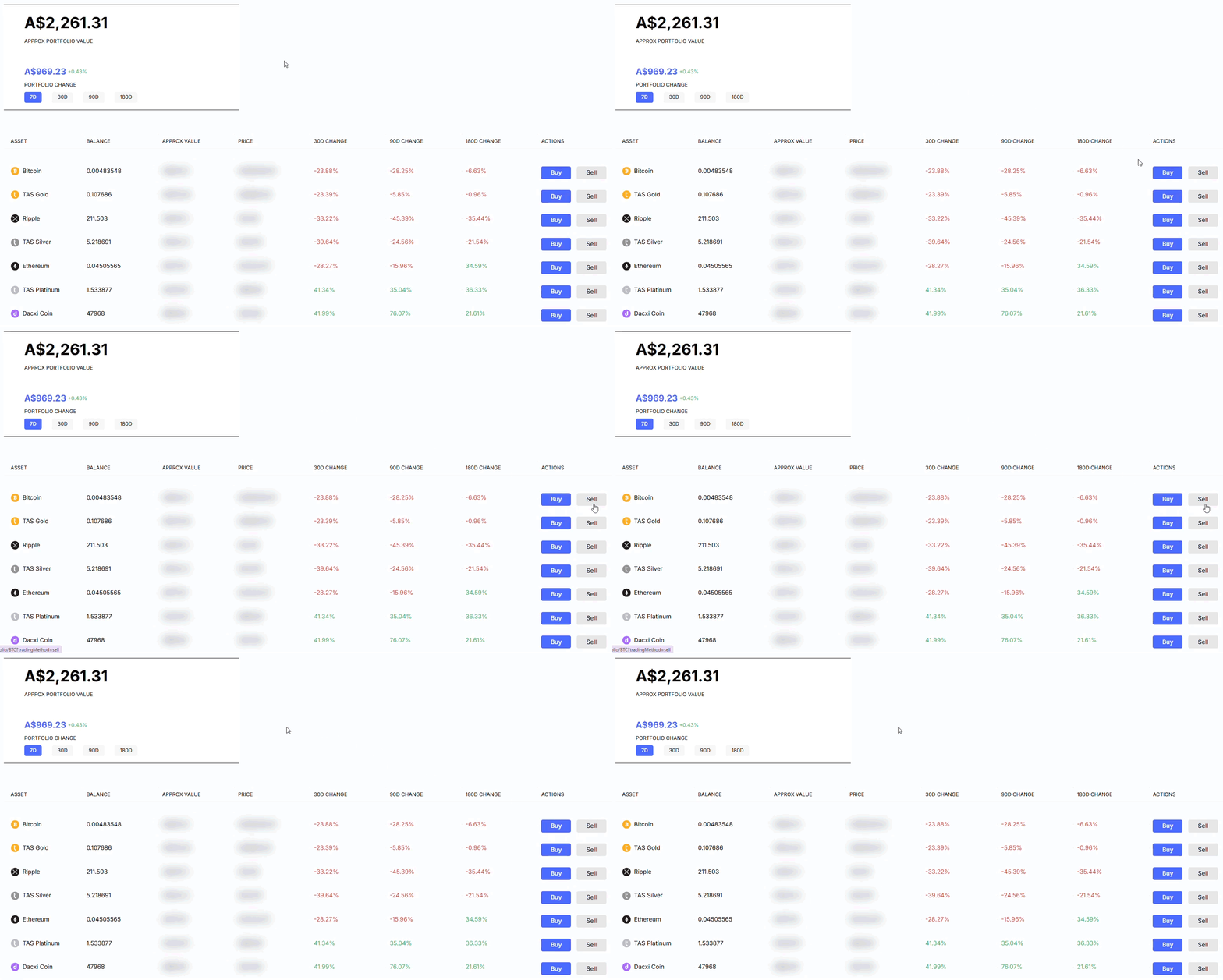
Your portfolio is the control center for the cryptocurrencies you own. The My Portfolio page shows only the assets you currently hold. Here’s what you can view and manage at a glance:
1. Total Portfolio Overview
-
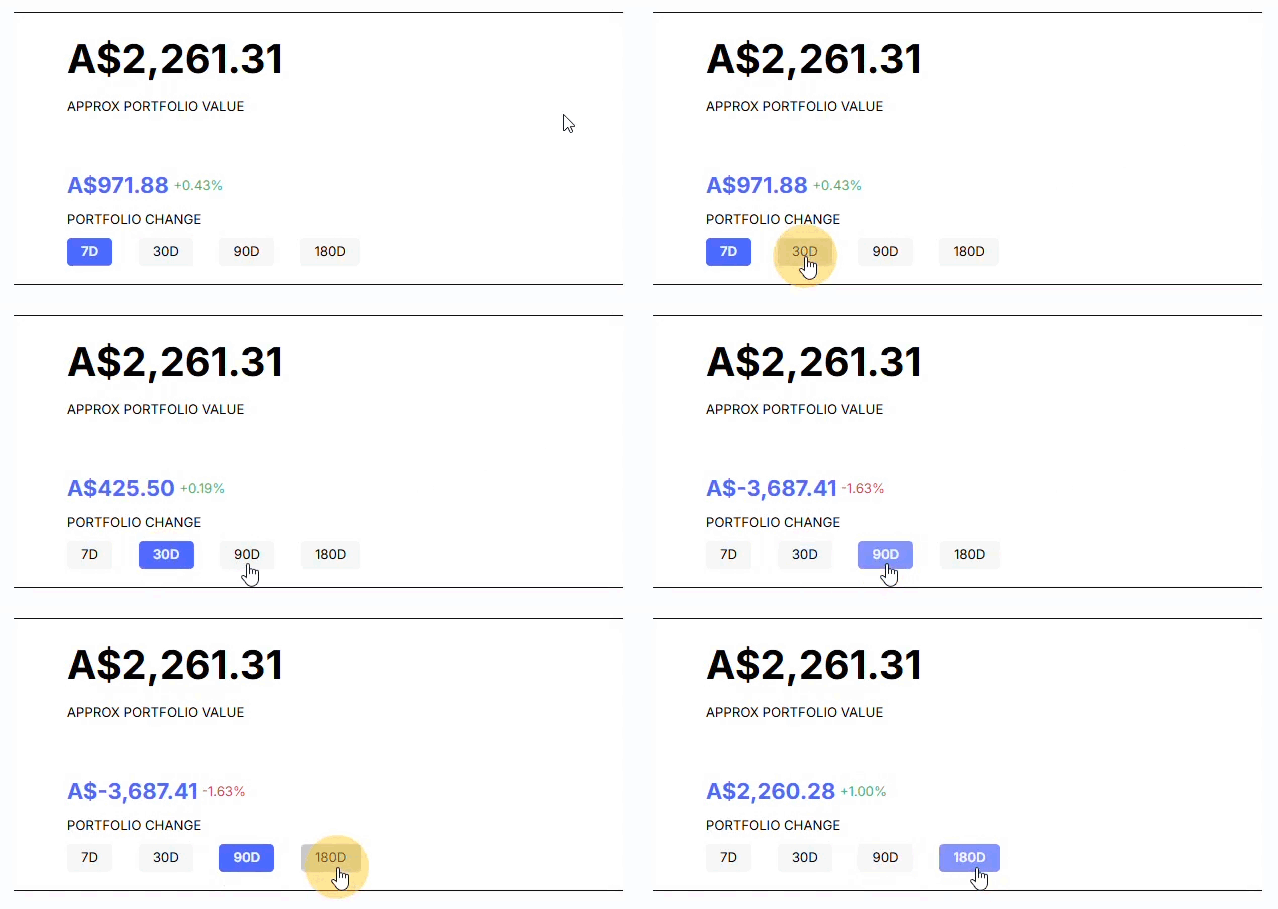
Portfolio Value: The estimated value of your combined crypto holdings is displayed at the top and updated in real time, so you always know how your investments are performing. You can also track portfolio changes over 7, 30, 90, and 180 days.
2. Your Holdings
-
Assets: See all the cryptocurrencies in your portfolio.
-
Balances: Quickly check how much you hold of each coin.
-
Approximate Value: View the estimated value of your holdings in your preferred currency.
-
Price: See the estimated current market price of each cryptocurrency in your preferred currency.
-
30d Change: Track how much each asset’s value has changed (in %) over the past 30 days.
-
90d Change: Track how much each asset’s value has changed (in %) over the past 90 days.
-
180d Change: Track how much each asset’s value has changed (in %) over the past 180 days.
3. Quick Actions for Every Coin
Manage your assets instantly with action buttons:
-
Buy: Purchase more of the cryptocurrency directly from your portfolio.
-
Sell: Convert your crypto to fiat or another supported coin quickly.
When you select Buy or Sell for a specific asset, you’ll be taken to its dedicated page, where you can view its performance graph, read the asset description, and review your recent transaction history for that asset.