
You can cancel an Auto Buy open order at any time by following the steps below:
1. From the left-hand menu of your Wealth99 account, select Auto Invest.
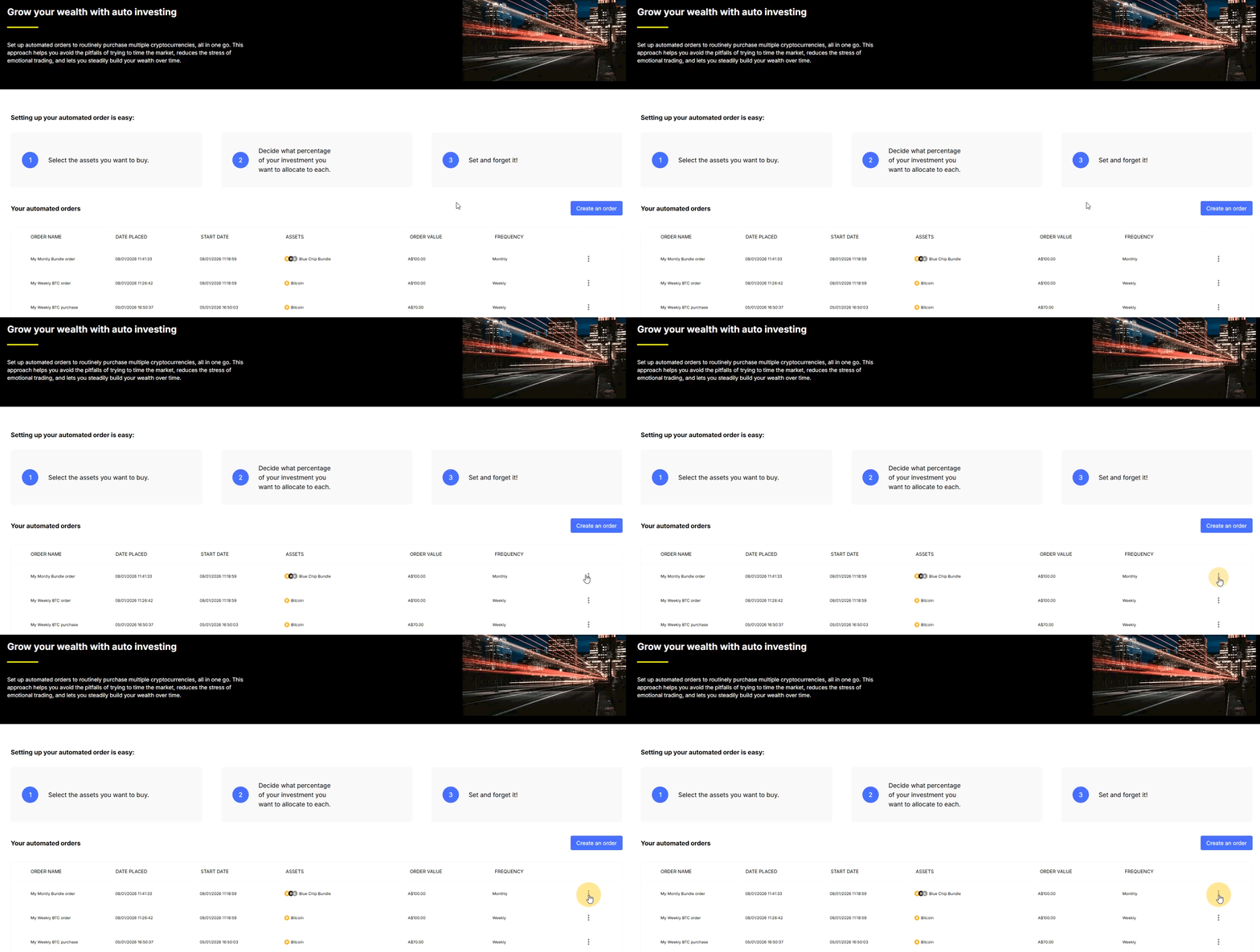
2. Find the order you want to cancel and click the three-dot (⋮) icon on the right side of the order.
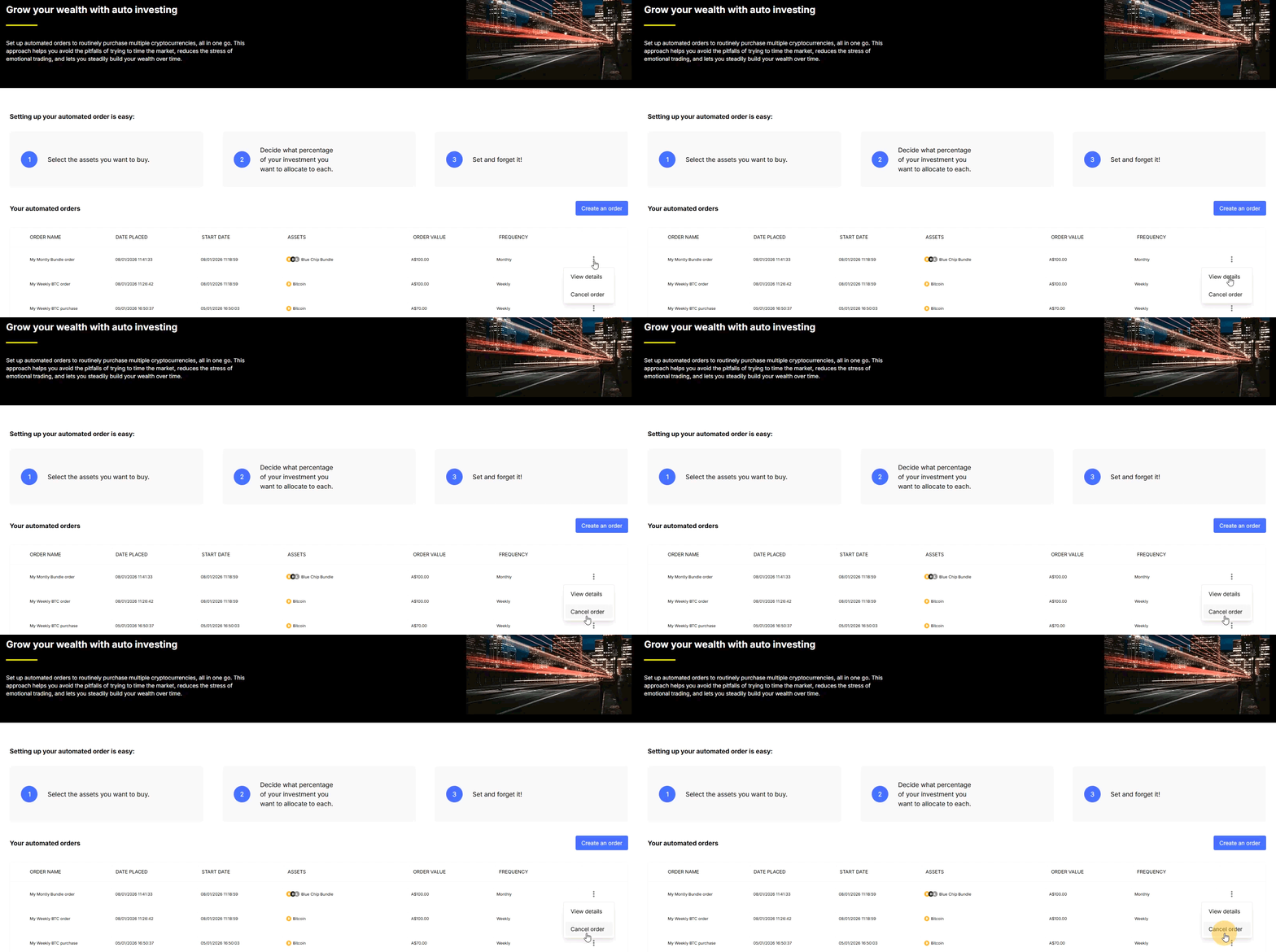
3. Choose 'Cancel order'.
4. Review the order details to make sure it’s the correct one, then click 'Confirm Cancellation'.
5. Your selected Auto Buy order has been successfully canceled, and no future repeat orders will be processed.
Important
-
Canceling an Auto Buy open order will cancel all future repeats associated with that order.
-
Only open Auto Buy orders can be canceled. Completed orders cannot be canceled.