
Who is Koinly?
Koinly is a cryptocurrency tax software trusted by over 1 million crypto investors and businesses in over 20 countries. It automatically syncs transactions from various exchanges and wallets, calculates capital gains, and generates tax reports compatible with tax authorities worldwide.
Special Offer:
New Koinly customers in Australia can get 25% off using the code WEALTH9926.
- Validity: Until 31 October 2026
- Eligibility: New customers only, Australia only
How do I connect my Wealth99 account to Koinly?
To connect your Wealth99 account to Koinly, there are two options: Via API or Via CSV.
Via API (recommended)
1. Create an account on Koinly. Go to Wallets on Koinly's superior menu and click Add wallet / Exchange.
2. In the search box, type in Wealth99, and click over to select it.
3. A new window will open; click Set up auto-sync.
4. Go to Settings and open the API Keys tab.
5. Click Create a new key.
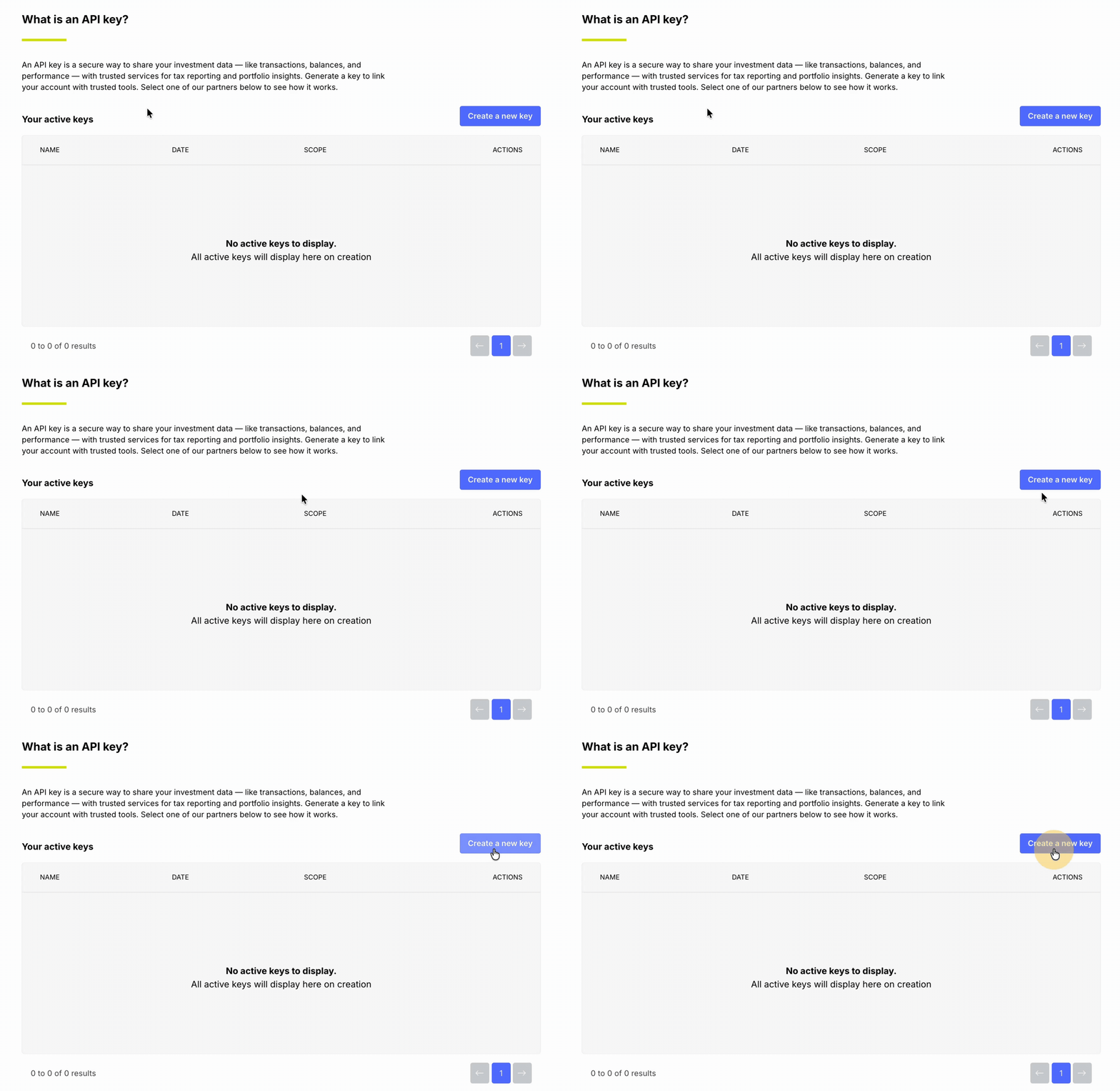
6. Enter Koinly as the API key name, then click Continue.
7. When prompted, enter the six-digit code from your Google Authenticator app to confirm.
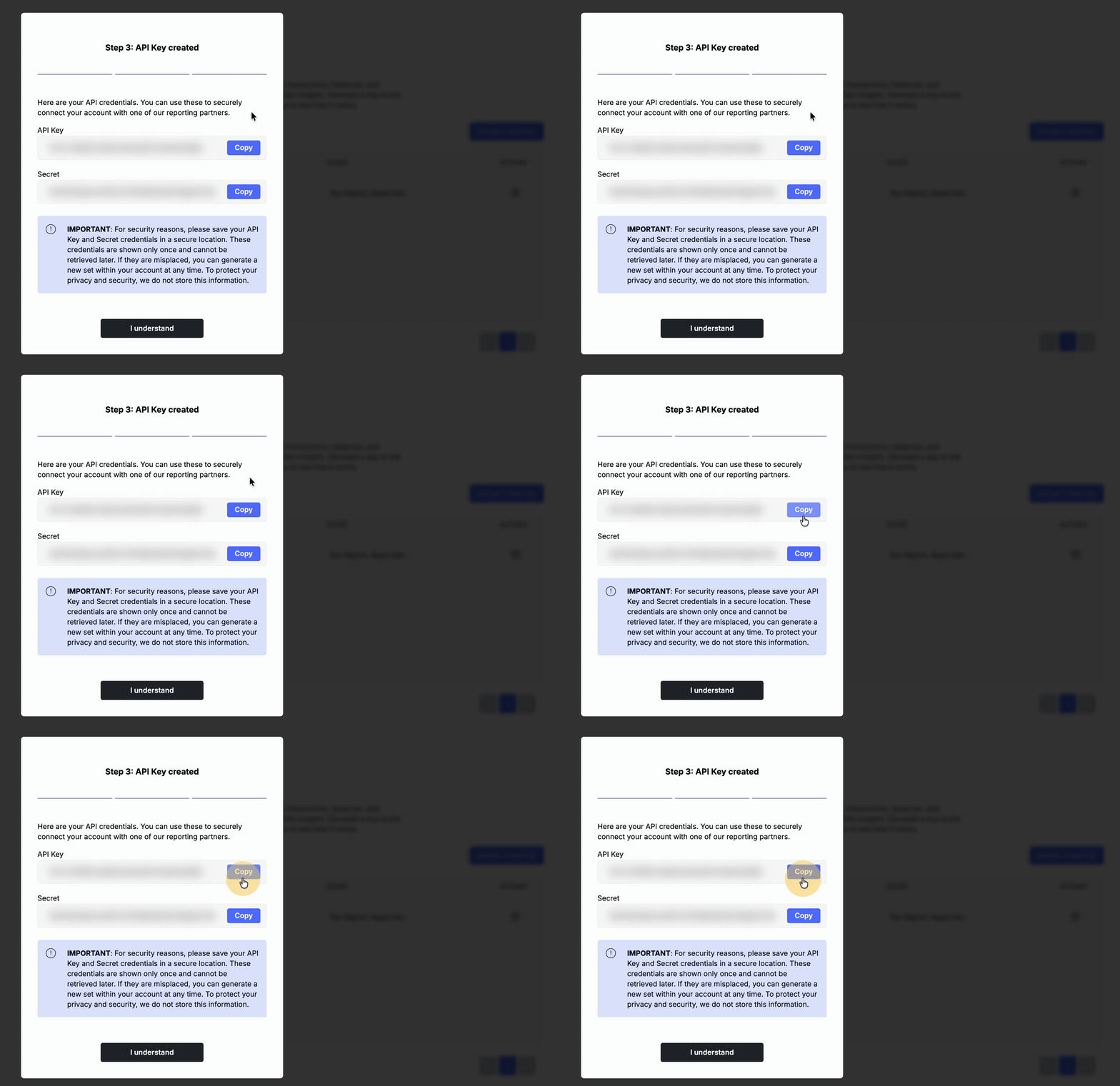
8. Copy the generated API Key and Secret, store them in a secure location, and paste them into Koinly.
9. In Koinly, click Secure Import to finalise the connection.
Having issues with the Koinly website? Unable to view the Tax reports from Koinly?
Koinly is a third-party vendor that we have partnered with, but we do not have control over their portal. If you have any issues or queries regarding Koinly, their portal, or functionalities, please contact the support team at Koinly https://koinly.io/contact/.
Wealth99 will be unable to help in this matter.
Disclaimer: Koinly is not a Wealth99 service. If you decide to use Koinly, you are responsible for reviewing the third party’s service terms, website terms, and privacy policies. You agree that third parties, and not Wealth99, are responsible for the performance of Koinly and the content on their website. Links to third-party websites will open new browser windows. Except where noted, Wealth99 accepts no responsibility for content on third-party websites.