
Who is CoinTracking?
CoinTracking is a comprehensive platform built for serious investors. It offers real-time portfolio insights, tailored tax reports based on your country, and a Full-Service option that connects you with experienced tax professionals. Trusted by over 1.5 million investors globally, CoinTracking helps streamline crypto reporting, reduce administrative burden, and ensure tax compliance with ease.
How do I connect my Wealth99 account to CoinTracking?
1. Log in to your CoinTracking account.
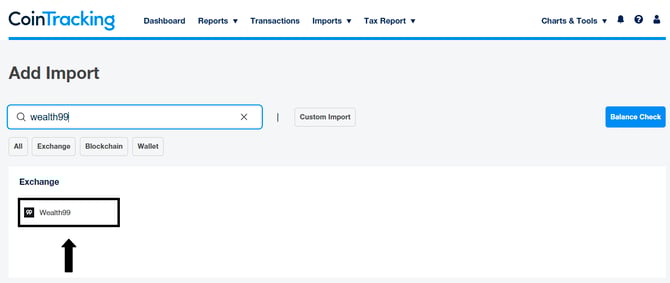
2. On the top menu, go to Imports and select Add Import.
3. Enter 'Wealth99' in the search box and select the result.
Generating an API Key and Secret on Wealth99:
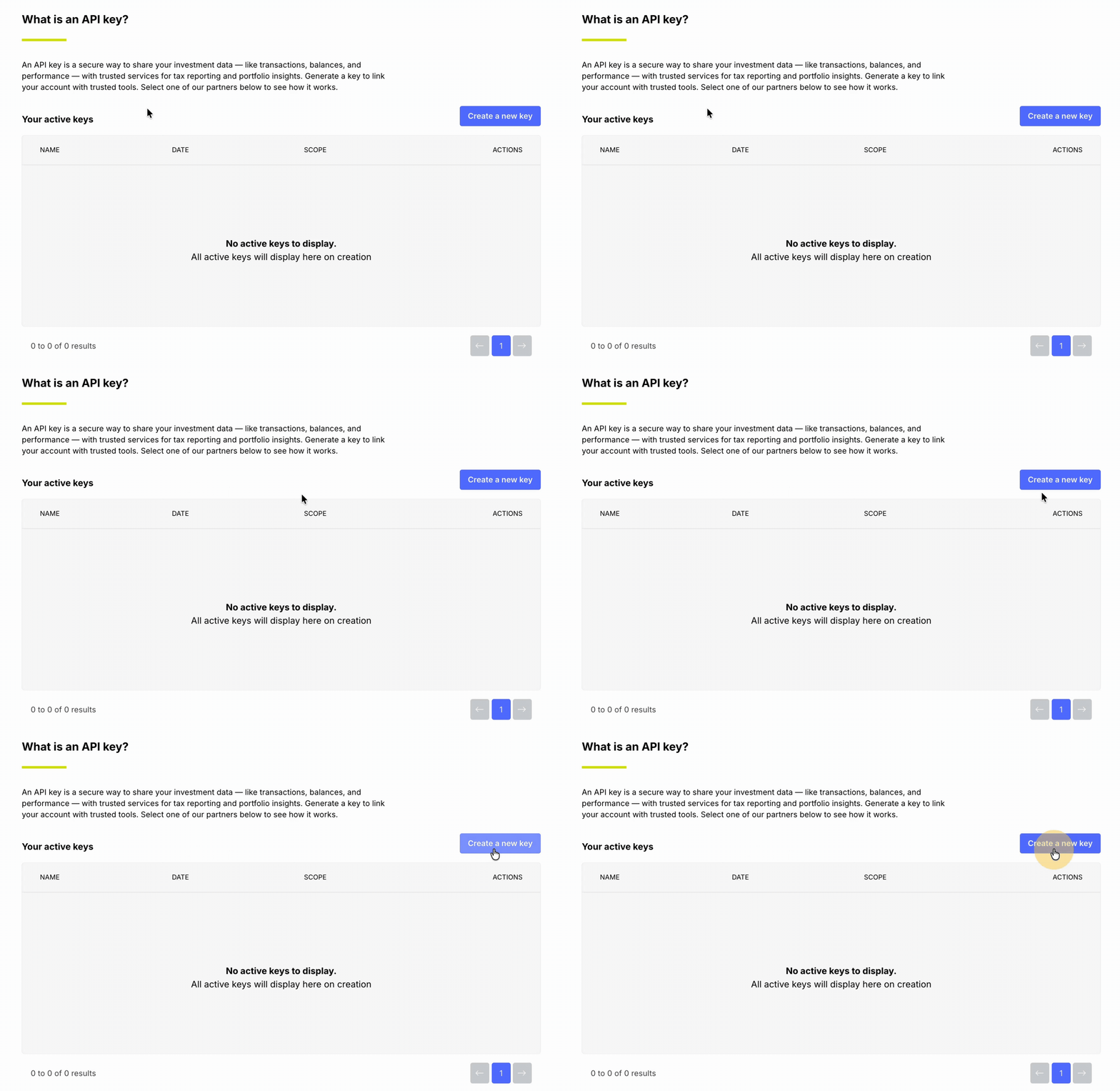
1. Go to Settings and open the API Keys tab.
2. Click Create a new key.
3. Enter CoinTracking as the API key name, then click Continue.
4. When prompted, enter the six-digit code from your Google Authenticator app to confirm.
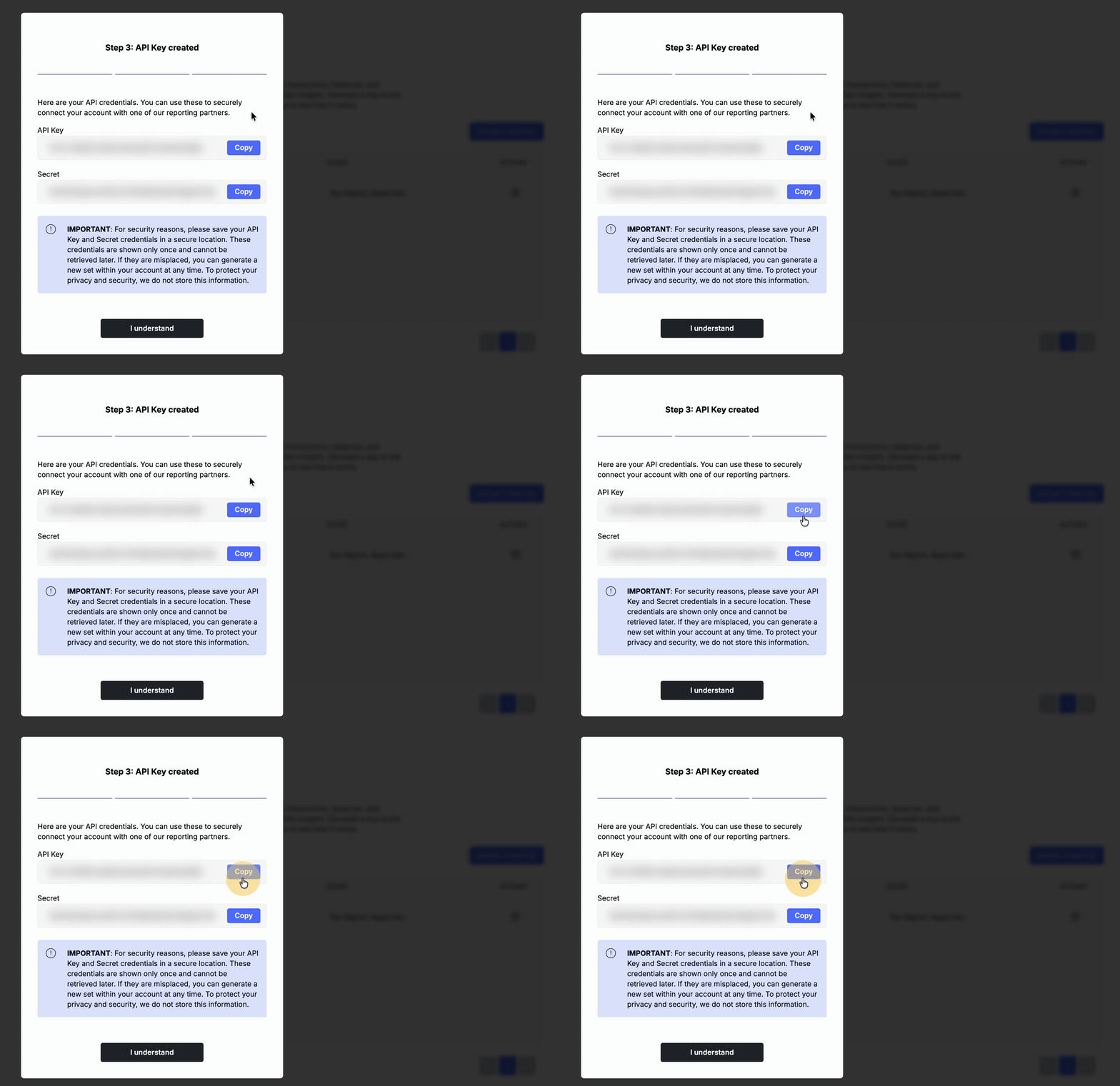
5. Copy the generated API Key and Secret, store them in a secure location and paste them into CoinTracking.
6. In CoinTracking, review the settings and select Save this Wealth99 job to finalise the connection.
Frequently Asked Questions
Why do some transactions in the CSV files not have a fiat value shown next to the crypto value?
Some cryptocurrency bundle allocations were processed manually in the past, and thus they do not have a fiat value attached to them. But once you upload the CSV file onto CoinTracking, their portal will assign the fiat value for any transactions that do not have a fiat value assigned.
How are Internal Transfer-Transactions classified in CoinTracking reports?
All internal transfers using the "Transfer option" between accounts in the Wealth99 Platform are classified as either Deposits (receiving) or Withdrawals (sending). You can change this transaction classification in the CoinTracking portal once you have uploaded the CSV file. Please seek advice from your accountants or tax consultants before making such changes.
Having issues with the CoinTracking website? My CoinTracking account is locked? Unable to view the Tax reports from CoinTracking?
CoinTracking is a third-party vendor that we have partnered with, but we do not have control over their portal. If you have any issues or queries regarding CoinTracking, their portal, or functionalities, please contact the support team at https://cointracking.info/feedback.php.
Wealth99 will be unable to help in this matter.
Disclaimer: CoinTracking is not a Wealth99 service. If you decide to use CoinTracking, you are responsible for reviewing the third party’s service terms, website terms, and privacy policies. You agree that third parties, and not Wealth99, are responsible for the performance of CoinTracking and the content on their website. Links to third-party websites will open new browser windows. Except where noted, Wealth99 accepts no responsibility for content on third-party websites.