
Your Dashboard is the central hub for managing your portfolio. Get a clear overview of your holdings, track portfolio performance over time, review recent activity, access your favourite assets, and quickly perform essential actions — all in one place.
Here’s a breakdown of what you’ll find on the Dashboard page:
Account Status at a Glance
Upon opening the Dashboard, you’ll find a set of important figures at a glance:
-
Total Portfolio – This figure shows the combined estimated current value of all digital assets in your portfolio, excluding any fiat balances. It also displays the 1-month and 1-year change, including their respective percentages.
-
Available to Invest – This displays the amount currently held in your fiat wallet. These funds are ready to use — whether you want to buy crypto or keep them on hand for future opportunities.
Both values provide a clear view of your account’s status, enabling you to make informed decisions quickly.
.gif?width=670&height=255&name=Dashboard-Page_-Your-All-in-One-Portfolio-Snapshot---01-(1).gif)
Quick Actions: Buy, Sell, or Deposit
The Dashboard includes action buttons that allow you to buy, sell, or deposit with ease:
-
Buy: Choose from supported cryptocurrencies and purchase directly using your available balance.
-
Sell: Convert your holdings back to fiat or stablecoins, depending on what's supported.
-
Deposit: Seamlessly deposit cryptocurrency from other exchanges or fiat funds from your bank into your Wealth99 account.

You can also make deposits quickly and easily from the top header on any page, giving you added flexibility to fund your account.
Portfolio Performance
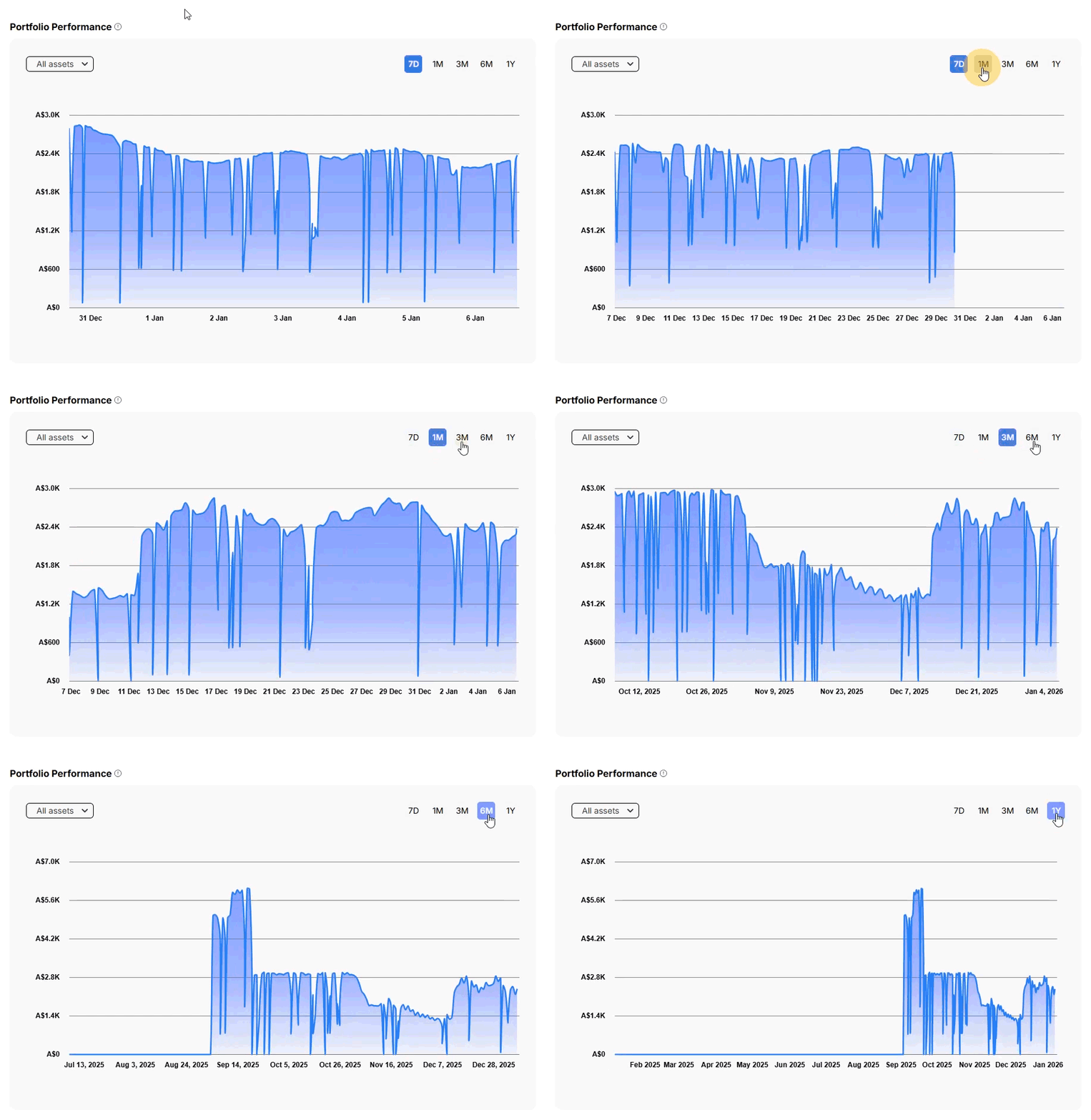
Track how your portfolio’s performance changes over time with an interactive graph. Switch between 7D, 1M, 3M, 6M, and 1Y views to analyze short, medium, and long-term performance. You can choose to see all your assets together or view them one at a time. Hover over any point on the graph to see the value for a specific day.
Portfolio & Cash Value
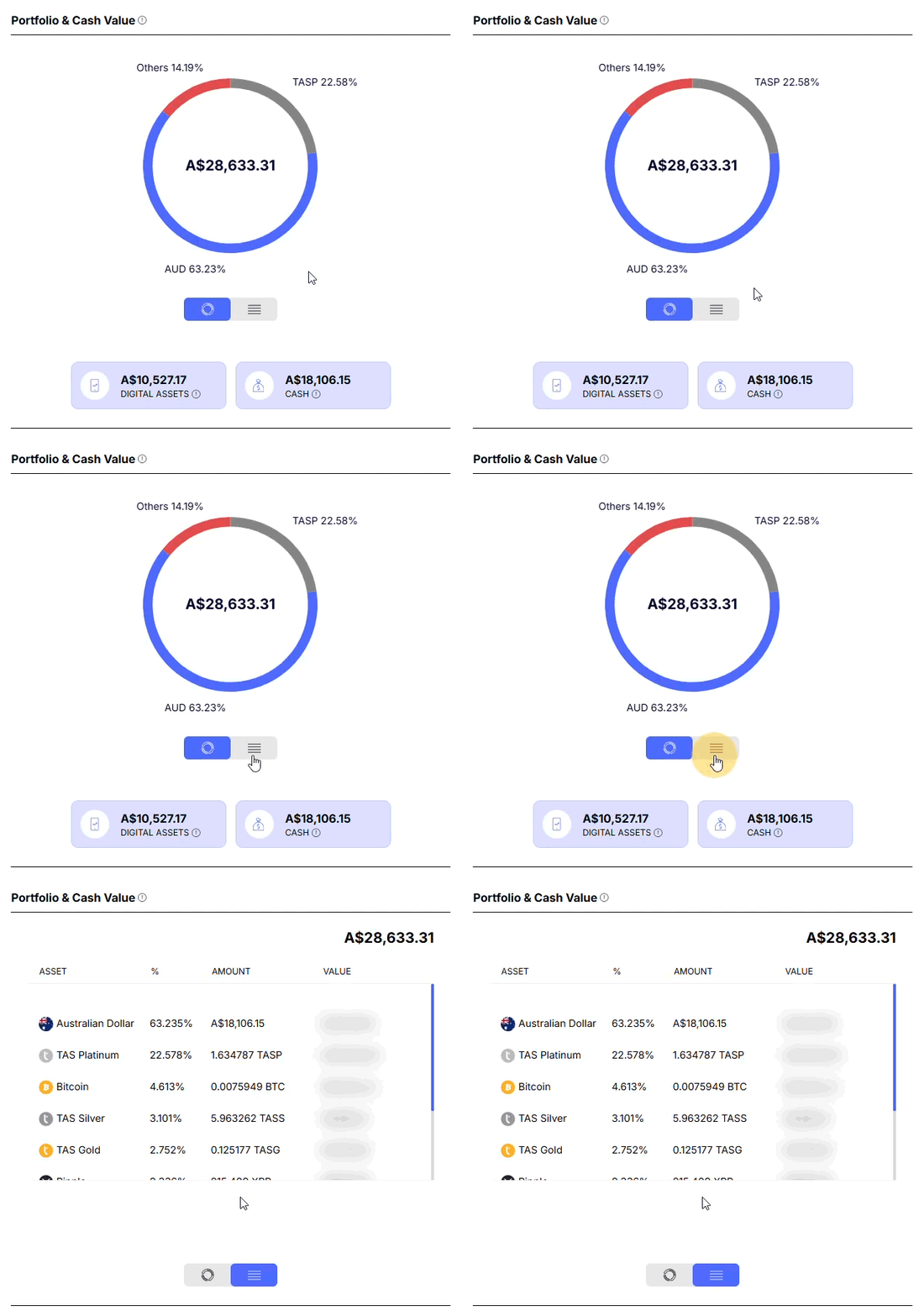
See a clear breakdown of how each asset is allocated in your portfolio, including any cash balances (AUD, GBP, or EUR). This visual makes it easy to understand your diversification at a glance. You can also choose how you’d like to view this information — switch between a pie chart and a table to see your portfolio in the format you prefer.
Recent Transaction Activity
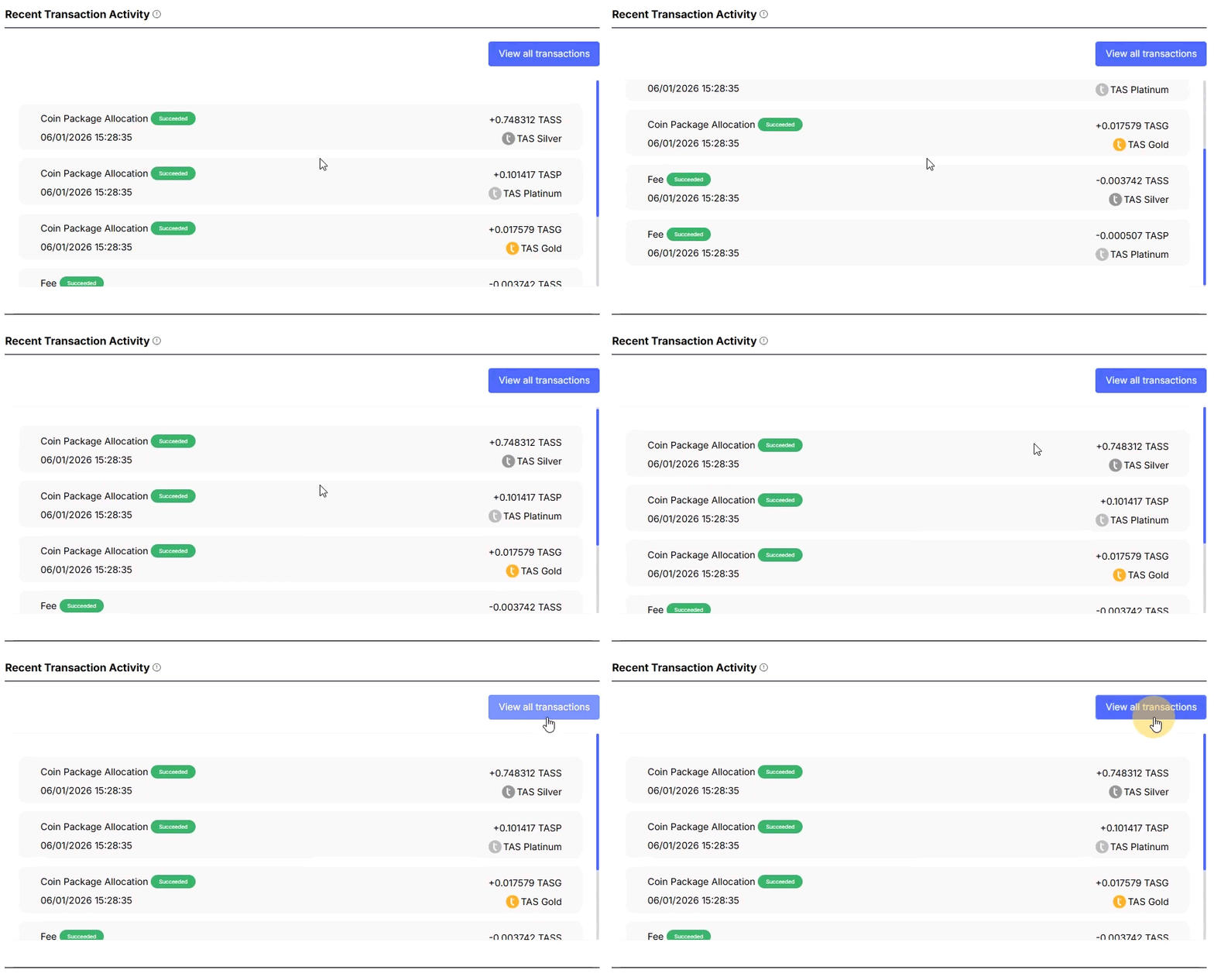
Scroll down to view a summary of your recent transactions. This summary helps you stay on top of your activity and track any recent changes to your balance.
Refer a Friend
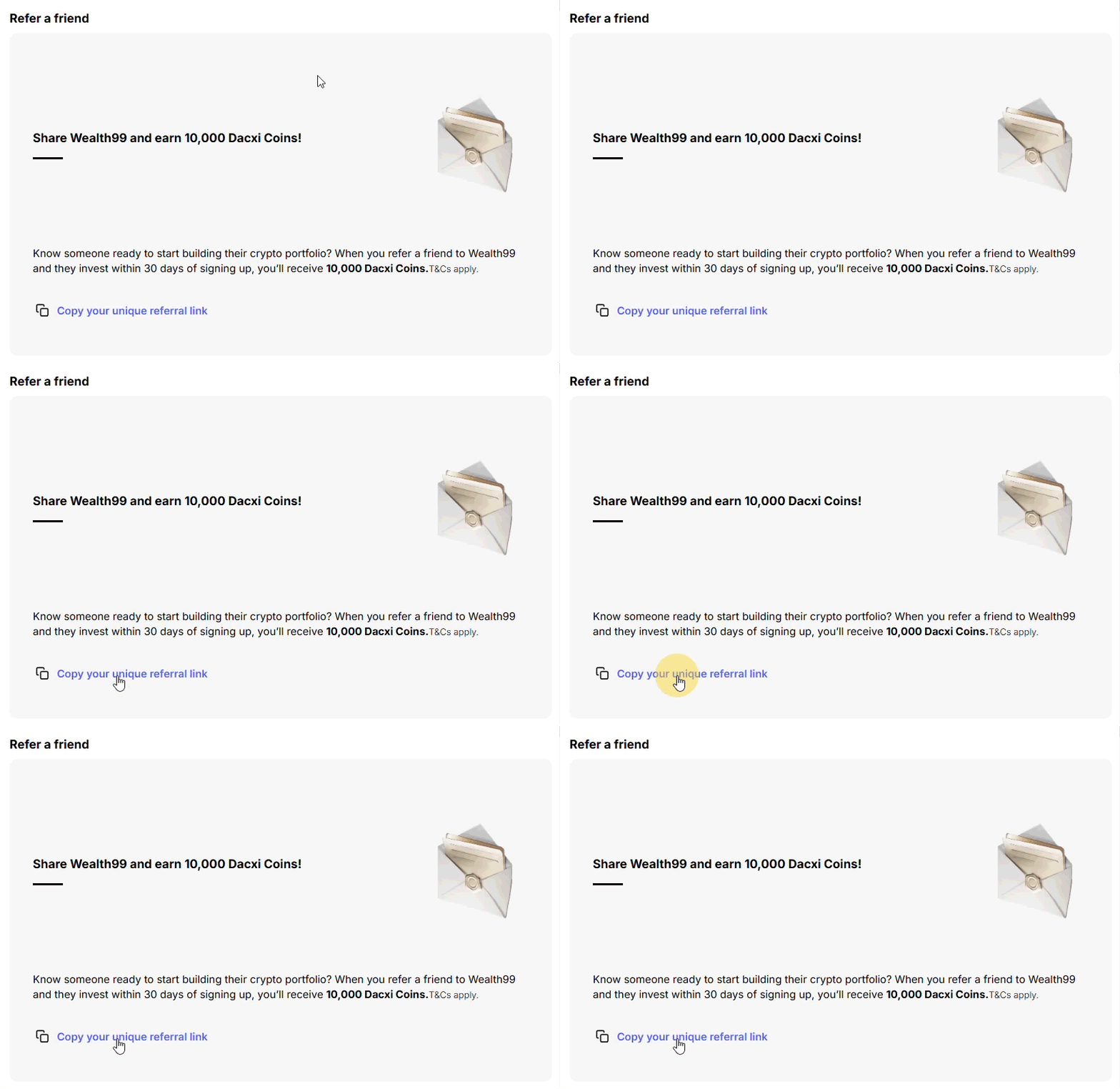
In this section, you’ll find your unique referral code. Share this code with friends and family to invite them to the platform. When they sign up and meet the requirements, you’ll receive a one-off bonus of Dacxi Coins.
Favourites
The Favourites section displays the coins you’ve selected, making it easy to track them. For each asset, you can see the name, estimated current market price, and 7-day change. You can also choose the currency in which this information is displayed using the drop-down menu.
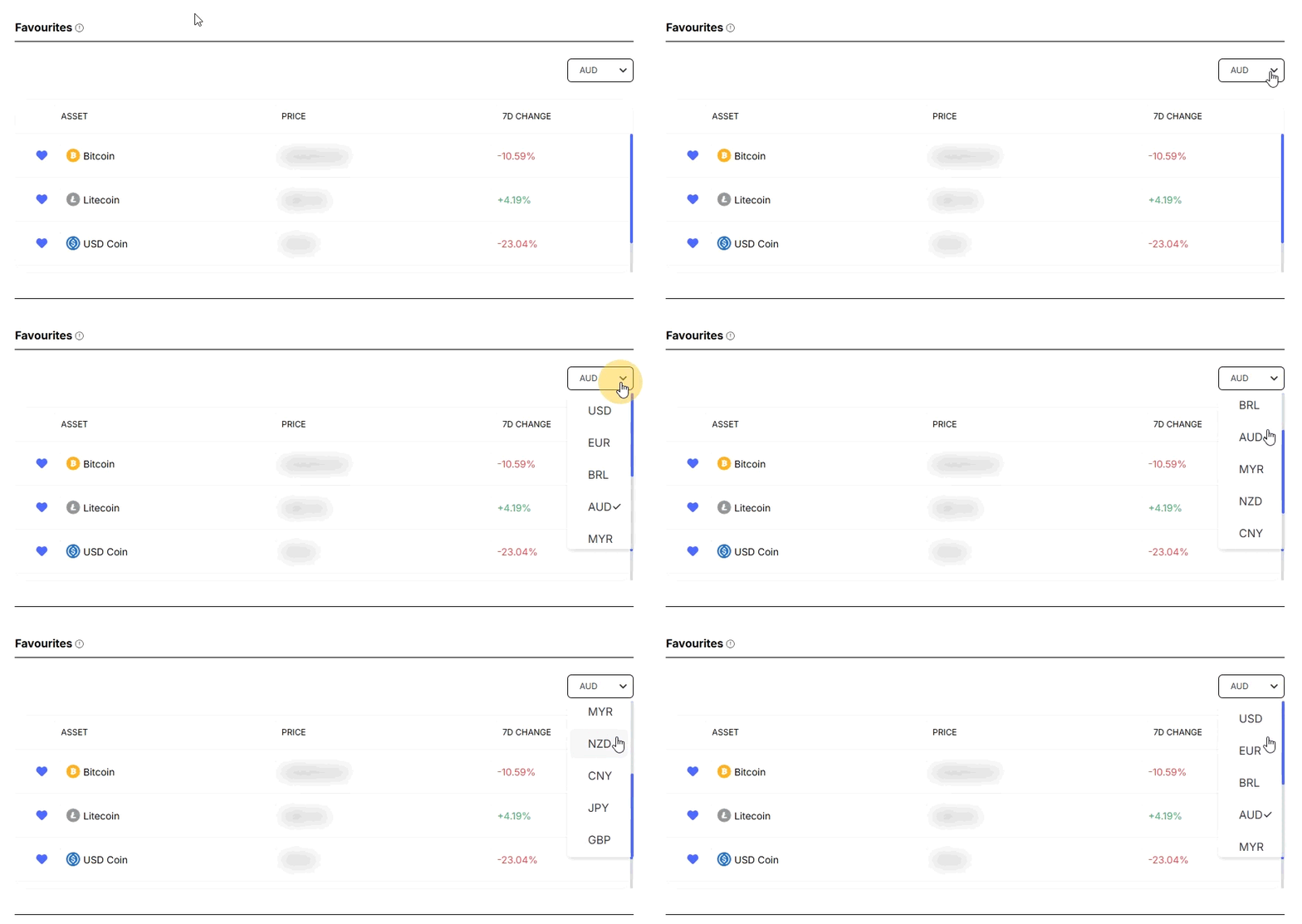
To add an asset to your favourites, simply go to the Assets page and click the heart icon next to the asset of your choice.