
Who is Syla?
Syla is a crypto tax calculator designed by Australian tax professionals to help you pay the lowest tax, with affordable plans for up to 100,000 transactions and support for individual, company, trust, and SMSF accounts.
Special Offer:
Sign up at Syla and use the code SAVEWEALTH to get 30% OFF the first year. Terms and conditions may apply.
What’s in this article?
- How to register for an account on Syla.
- How to connect your Wealth99 account via API with Syla (recommended).
- Exporting CSV Files for Upload to Syla
How to register for an account on Syla
You’ll need to first register an account on Syla and then add Wealth99 as a data source.
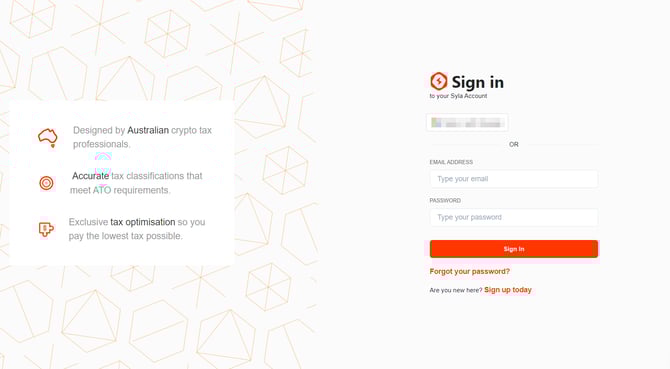
1. Go to Syla and click Sign Up to register an account.
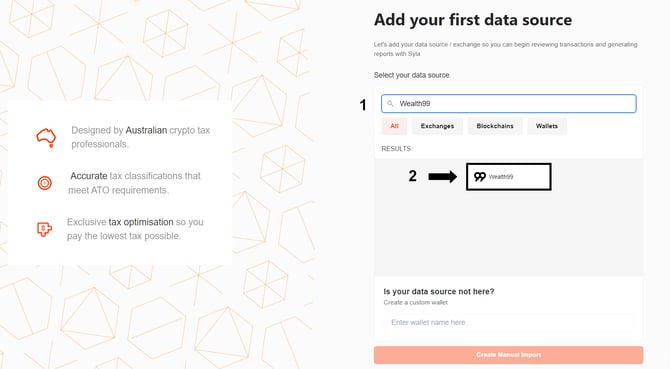
2. Start typing “Wealth99”(1) in the search bar.
3. Then select the Wealth99 (2) data source.
4. You can choose to either import your Wealth99 data using an API Sync (recommended) or by uploading your CSV files with a File Import.
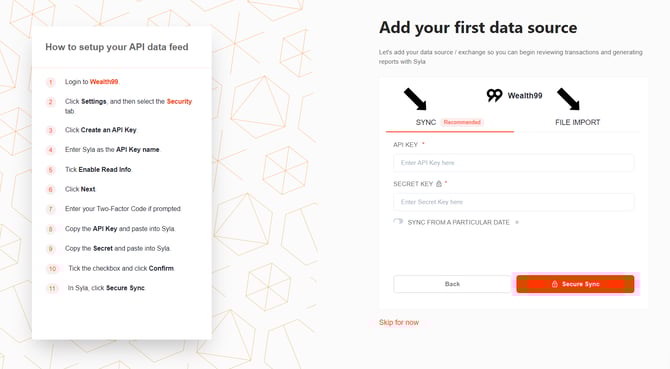
How to connect your Wealth99 account via API with Syla (recommended)
This is the simplest and most comprehensive way to import your Wealth99 data into Syla.
1. In your Wealth99 account, go to Settings and open the API Keys tab.
2. Click Create a new key.
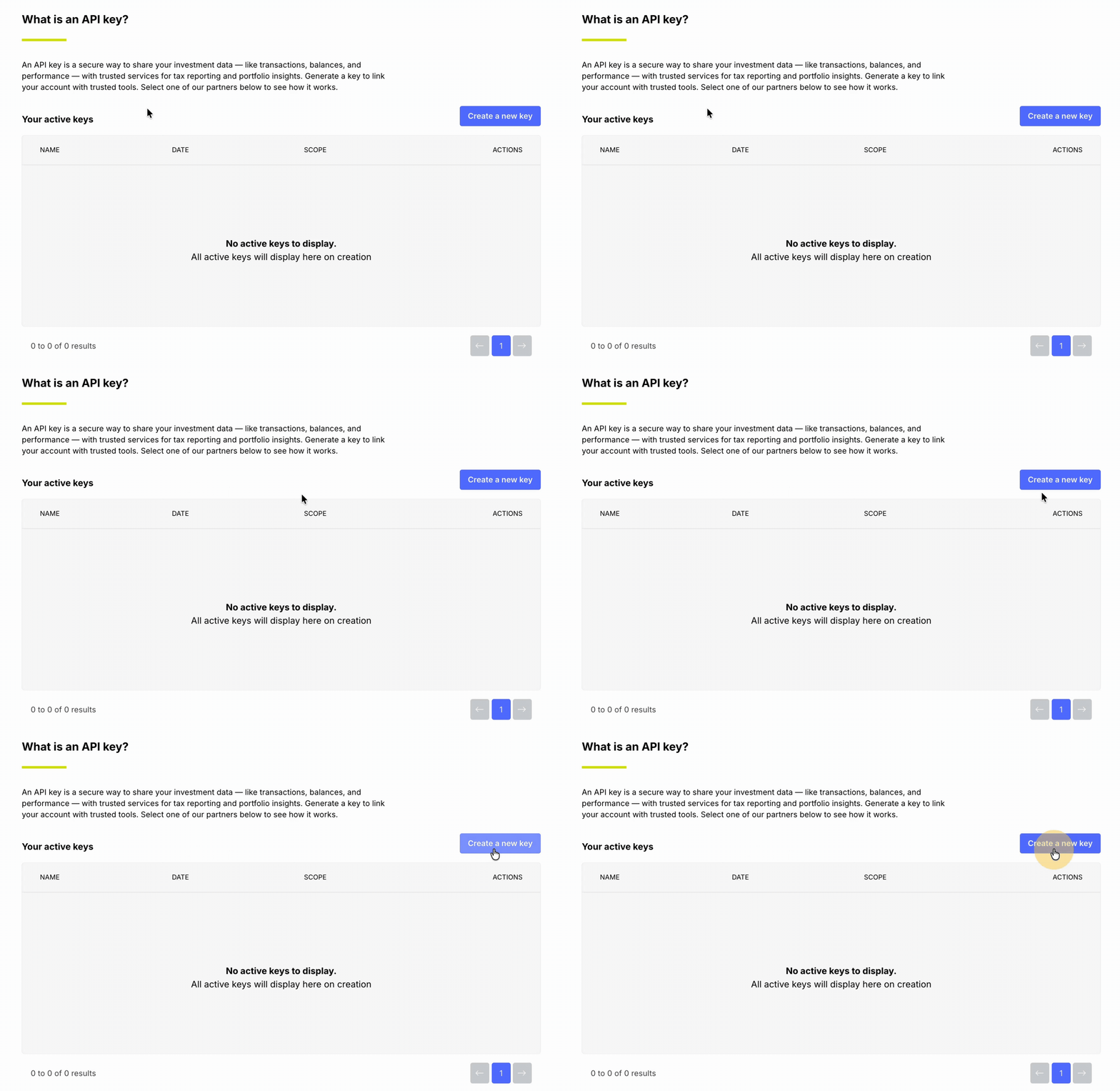
3. Enter Syla as the API key name, then click Continue.
4. When prompted, enter the six-digit code from your Google Authenticator app to confirm.
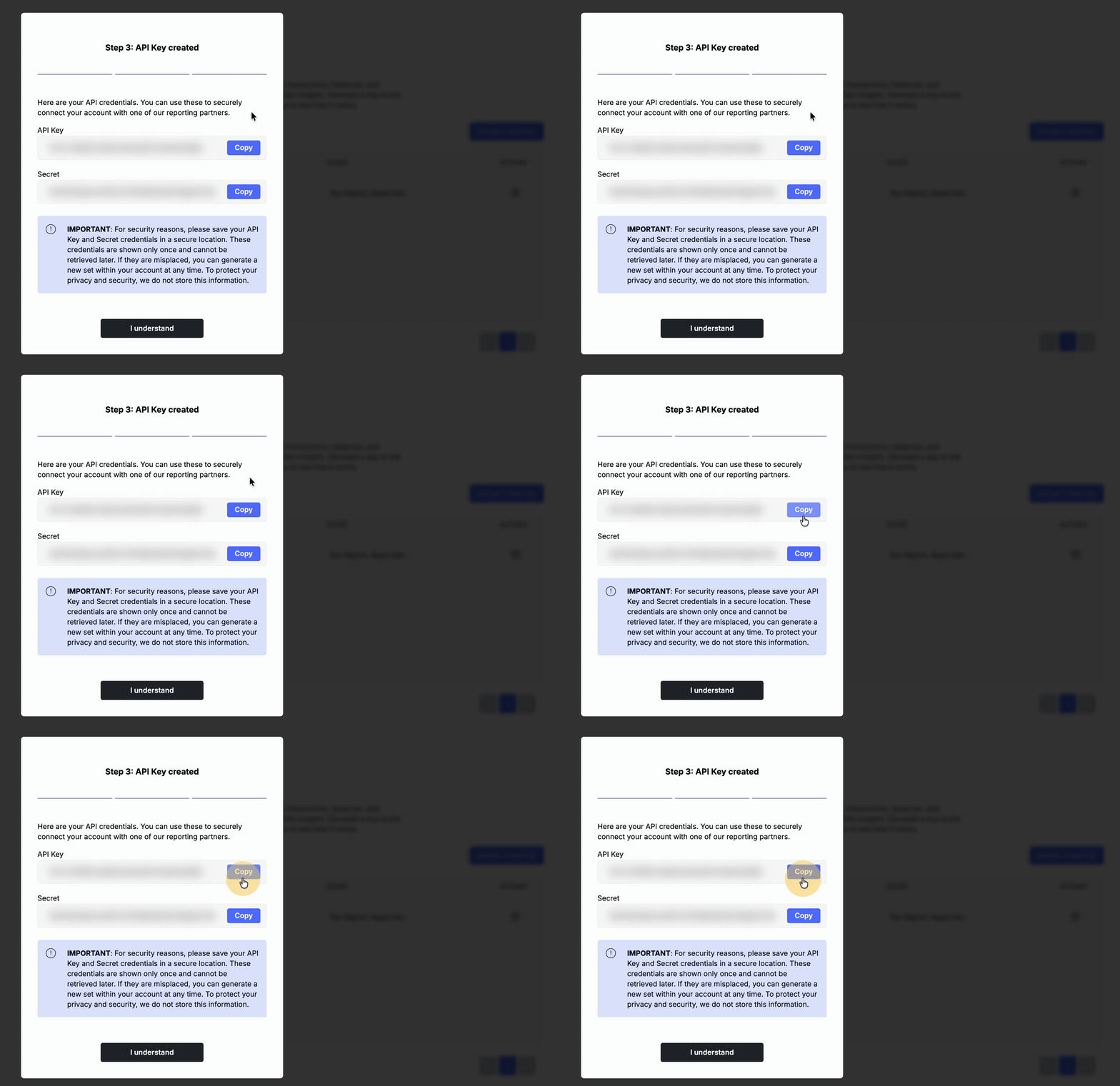
5. Copy the generated API Key and Secret and paste them into Syla. Save these credentials in a safe place.
6. In Syla, click Secure Sync to finalise the connection.
Further instructions and support can be found on Syla.
Disclaimer: Syla is not a Wealth99 service. If you decide to use Syla, you are responsible for reviewing the third party’s service terms, website terms, and privacy policies. You agree that third parties, and not Wealth99, are responsible for the performance of Syla and the content on their website. Links to third-party websites will open new browser windows. Except where noted, Wealth99 accepts no responsibility for content on third-party websites.