
The Balance Summary feature lets you download a snapshot of your portfolio balance for a specific day, which you can use for tax reporting. The report includes the date, account name, all currencies held in your wallet, the amount of each asset, its estimated market price, and the estimated total value of your portfolio.
1. In the left-hand menu, go to Settings and then select History.
2. Click Export and choose Balance Summary.
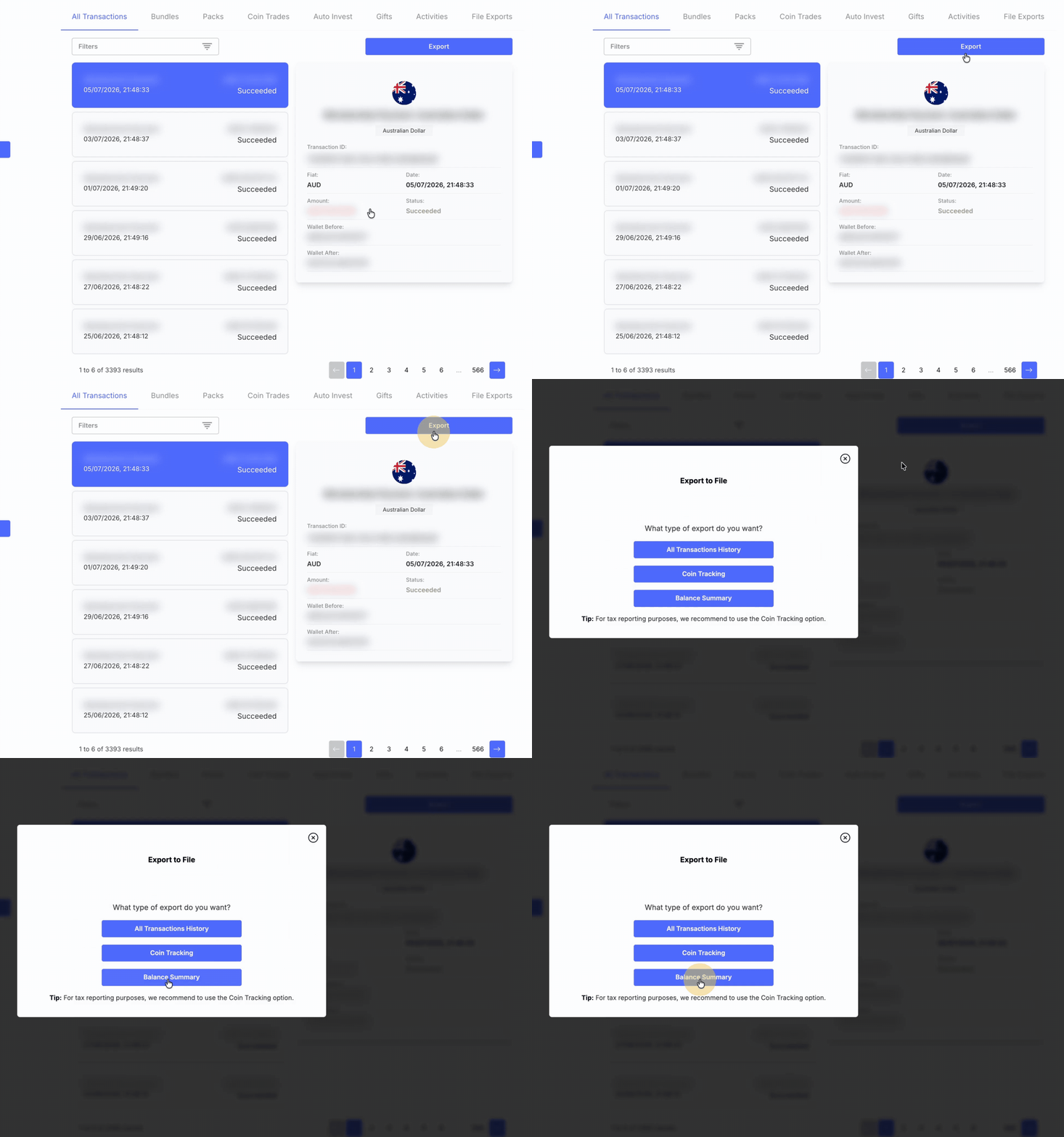
3. Enter the date for which you want to generate the portfolio balance report, then click Export and Download.
4. The file will begin generating; please keep the window open until the process is complete.
5. When it is ready, the file will download to your device.
If you have a large number of transactions, the export may take longer to generate. We will email you as soon as it is ready so you do not miss it. You can also retrieve it later by going to the File exports tab and clicking Download.